

How AI chatbots increase website sales and conversions comes down to one simple advantage: they remove delays at the exact moment a visitor is deciding whether to buy, book, or leave. Instead of making people search through pages, wait for email replies, or abandon a cart with unanswered questions, a chatbot gives instant help, guides the next step, and keeps momentum moving toward a conversion.
That matters more than ever in 2026. Shoppers expect quick answers, personalized help, and support outside business hours. A well-planned chatbot can handle common questions, qualify leads, reduce friction in the sales funnel, and capture revenue that would otherwise disappear quietly.
Introduction to AI Chatbots in Sales
What they do
An AI chatbot for a sales or e-commerce website uses artificial intelligence and machine-learning algorithms to understand shopper questions and reply in natural language. In plain terms, it behaves more like a helpful store assistant than a static contact form. It can answer questions about pricing, features, or availability right when the visitor asks.
Why they lift conversions
The sales impact is direct. Around 53% of customers abandon a purchase when they cannot find quick answers, and 82% expect an immediate response to sales questions. AI chatbots solve that gap by staying available 24/7, which means visitors get help whether they arrive during lunch, late at night, or from another time zone.
The results are strong enough that this is no longer a nice extra. Websites using AI chatbots report a 20 to 35% increase in conversion rates compared with sites that do not use them. Businesses also see an average 340% ROI in the first year, with payback periods as short as 1 to 3 months.
Where the revenue comes from
Most chatbot-driven sales gains come from four moments in the buyer journey. First, the chatbot answers objections before the visitor leaves. Second, it starts conversations proactively by asking about goals or availability. Third, it turns interest into a qualified lead before asking for contact details. Fourth, it helps businesses spot drop-off points and fix pages where users hesitate.
For example, a visitor lands on a service page but pauses at pricing. A chatbot can answer instantly, ask what the visitor needs, and offer the next logical step such as a consultation, free trial, or tour. That is much smoother than sending someone to a long form and hoping they come back later.
What the data shows
Speed plays a bigger role than many site owners realize. AI chatbots respond to customer questions 18% faster than humans and resolve 71% of conversations successfully without human involvement. Faster answers mean less hesitation, fewer exits, and more decisions made while interest is still high.
There is also a customer-experience benefit that affects SEO and conversion together. If users stay engaged, browse more pages, and avoid frustration, the website performs better as a business asset. Technical performance still matters too, so pairing chat support with a faster site and better core web vitals creates a smoother path from first click to checkout.
Key Features of AI Chatbots That Boost Sales
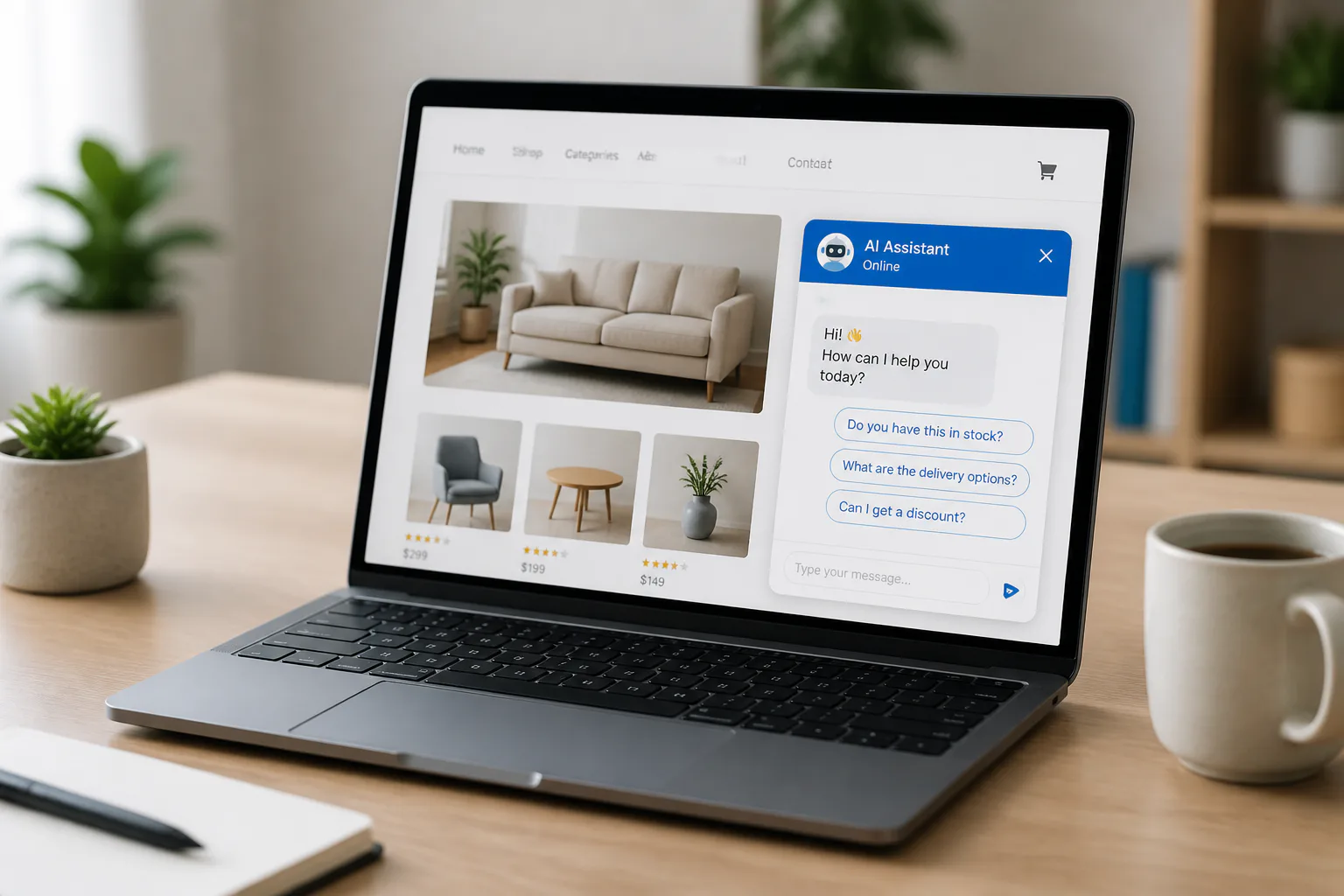
Sales-focused capabilities
- 24/7 responses so leads are not lost after business hours.
- Instant answers to pricing, feature, and availability questions.
- Lead qualification by asking about goals, needs, or timing.
- Proactive engagement that starts a conversation before a visitor leaves.
- Helpful lead capture after trust is built, not before.
- Behavior tracking to reveal drop-off points and peak inquiry hours.
- Sales incentives such as free trials or tours when intent is clear.
Why these features matter
Each feature removes a specific friction point. Instant answers reduce uncertainty. Qualification keeps sales teams focused on stronger opportunities. Behavior tracking shows where people lose confidence, which helps you improve both your pages and your offers.
How AI Chatbots Improve Customer Experience
Less friction
People convert when the buying process feels easy. Chatbots improve that feeling by turning a passive website into an active conversation. Instead of forcing visitors to search menus, open another tab, or wait for support, the site helps them immediately.
More trust
Trust builds when answers arrive quickly and clearly. A good chatbot does not pressure the visitor right away. It first helps, then asks for contact details or offers the next step, which feels more natural than a traditional form placed in front of every user.
That experience also depends on the website itself. If chat loads quickly but the rest of the page lags, users still bounce, which is why many teams review why a WordPress site is slow alongside conversion support changes.
Implementation Strategies for Maximum Sales Impact
Follow these steps
- Identify your highest-friction pages. Start with pages where users hesitate most, such as pricing, service details, product pages, or checkout-related screens.
- Map the top sales questions. Prepare clear answers for pricing, features, availability, timelines, and common objections.
- Set proactive conversation prompts. Ask simple questions about goals or availability so the chatbot can guide visitors instead of waiting silently.
- Qualify before collecting details. Let the chatbot help first, then ask for contact information after the visitor sees value.
- Offer a next step. Use a clear conversion path such as booking, requesting a demo, starting a free trial, or scheduling a tour.
- Review behavior data weekly. Look at drop-off points and peak inquiry hours to refine page content and chatbot responses.
- Keep the language human. Short, natural replies convert better than robotic scripts or jargon-heavy messages.
Best-practice reminders
- Place the chatbot where purchase questions happen most.
- Focus on helping, not interrupting.
- Use short reply paths that move users to action.
- Update answers as offers, stock, or services change.
It also helps to support the chatbot with a strong site foundation. Cleaner pages, clearer internal paths, and a solid technical SEO checklist make it easier for users to trust what they see and continue toward conversion.
Examples
Common winning patterns
Across service businesses and e-commerce stores, the strongest chatbot results usually come from the same pattern. A visitor arrives with a question, gets an instant answer, and receives a simple next step. That small shift prevents hesitation from turning into an exit.
One common use case is after-hours lead capture. A visitor checks a page late in the evening, asks about availability, and gets a reply immediately rather than waiting until the next day. Another is high-intent product support, where the chatbot answers a pricing or feature question that would otherwise stall checkout.
The measurable outcomes are consistent: conversion lifts of 20 to 35%, faster responses than human-only teams, and strong ROI inside the first year. When businesses also track peak inquiry hours and drop-off points, they can improve both the chatbot flow and the underlying sales pages.
Common Challenges and How to Overcome Them
Where teams go wrong
The most common mistake is treating the chatbot like a pop-up ad instead of a support tool. If every message interrupts or pushes too hard, visitors ignore it. The first interaction should be helpful, specific, and tied to user intent so the chatbot feels useful instead of intrusive.
How to solve them
Another problem is weak or outdated answers. If the chatbot cannot clearly handle pricing, features, or availability questions, it creates more confusion than confidence. Review conversations regularly and tighten the wording around the questions buyers ask most.
Some businesses also fail to connect chatbot insights back to the page experience. If users repeatedly ask the same question, that page is missing something important. Use those patterns to improve clarity, reduce friction, and make conversion paths easier to follow.
Conclusion
AI chatbots increase website sales by reducing delays, answering key questions at the right time, and guiding visitors toward the next step while intent is still high.
Frequently Asked Questions (FAQ)
Do AI chatbots really increase conversions?
Yes. Websites using AI chatbots report a 20 to 35% increase in conversion rates because visitors get immediate answers instead of leaving with unanswered questions. The gain comes from removing friction at the moment someone is deciding, not simply from adding a widget to every page.
What sales tasks can a chatbot handle best?
They work best for instant responses, lead qualification, proactive engagement, after-hours support, and answering common questions about pricing, features, and availability.
Can AI chatbots replace human sales teams?
No. They handle a large share of routine conversations and resolve many questions on their own, but human teams still matter for complex objections, closing high-value deals, and relationship building. Chatbots also handle complaints and emotionally charged conversations poorly, so route those to a person quickly.
How quickly can a business see ROI?
Many businesses see payback within 1 to 3 months, and average first-year ROI reaches 340% when the chatbot is placed on high-intent pages and used to reduce drop-offs.
Are AI chatbots worth it for a small business?
It depends on whether you are losing enquiries to slow response times. If most visitors ask the same handful of questions and you cannot reply within minutes, a chatbot pays for itself. If you get low traffic or every enquiry is genuinely bespoke, your money is better spent elsewhere.
Will an AI chatbot slow down my website?
It can. Most chatbot widgets load third-party JavaScript, which is one of the most common causes of poor Interaction to Next Paint scores. Load the widget only on pages where it earns its place, delay it until after the main content renders, and measure the effect before and after installing.
Do AI chatbots help or hurt SEO?
Neither directly. Google does not reward having a chatbot. The indirect effect is what matters: a badly implemented widget slows the page and weakens Core Web Vitals, while a well-implemented one improves engagement. Keep the answers your chatbot gives on real pages too, so search engines can index them.
Where should a chatbot appear on a website?
On pages where visitors are close to a decision, such as pricing, product, service and checkout pages. Putting it on every page including blog posts adds weight without adding conversions, and it is the fastest way to turn a helpful tool into an irritation.